Comparison
2026
RAW Workflow
Best Noise Reduction Software for Photographers
There are a few genuinely strong options now — the key is choosing the one that fits your workflow. This page compares the most common choices photographers consider, and then gives you a simple “pick this if…” guide.
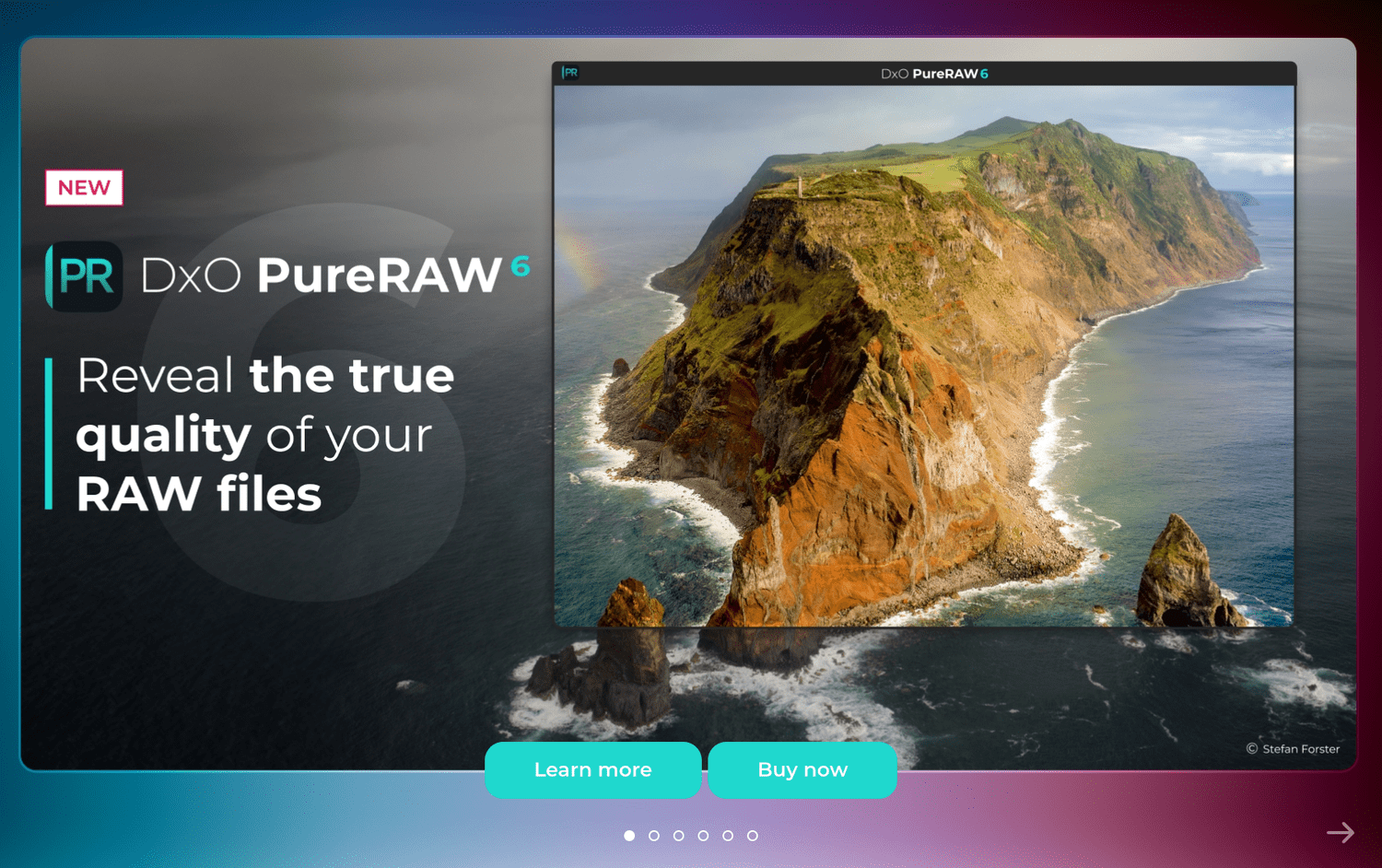
Save 15% OFF on PureRAW 6 with my code:
SIMONSONGHURST
Enter the code at checkout.
What “best” really means
The best noise reduction software is the one that gives you clean files with natural detail and fits your editing flow. Most photographers fall into one of these three camps:
Pre-edit workflow
Clean the RAW first, then do creative editing after. Great for high ISO and heavy shadow work.
In-editor workflow
Denoise inside your main editor. Fast, simple, fewer apps — but sometimes less flexible on difficult files.
“All-in-one” enhancement
Tools that combine denoise with extra enhancements. Useful for some, but can be heavier-handed if you want natural texture.
Quick comparison (how photographers typically choose)
DxO PureRAW 6
If you want a clean starting RAW-derived file before you edit — especially for high ISO, low light, and lifted shadows — this “first step” approach is hard to beat for consistency.
Best for: pre-edit workflowLightroom AI Denoise
If you want everything inside Lightroom and prefer fewer moving parts, it’s a strong option. Ideal for photographers who want speed and convenience.
Best for: Lightroom-only workflowTopaz Photo AI
If you like an “enhance” style approach with additional automation, it can work well — but always check that texture stays natural on your subject matter.
Best for: automated enhancementMy recommendation (simple)
If noise is costing you time or quality, start with a dedicated pre-edit step.
That’s exactly why PureRAW 6 is popular with photographers: you solve noise and base-file issues first, then your creative edit is cleaner and faster.
Related PureRAW 6 Guides
PureRAW 6 vs Lightroom AI Denoise
Direct comparison
Direct comparison
→
PureRAW 6 vs Topaz Photo AI
Direct comparison
Direct comparison
→
How to Fix Noisy RAW Photos
Problem → solution
Problem → solution
→
High ISO Noise Reduction Guide
Practical guide
Practical guide
→
PureRAW 6 Workflow for Lightroom
Step-by-step workflow
Step-by-step workflow
→
Best PureRAW 6 Settings
Recommended setup
Recommended setup
→
What is DeepPRIME AI?
Simple explanation
Simple explanation
→
Supported Cameras & Lenses
Compatibility guide
Compatibility guide
→
Is PureRAW 6 Worth It?
Buy/no-buy checklist
Buy/no-buy checklist
→
PureRAW 6 Hub
Main hub page
Main hub page
→
FAQs
Which one gives the most natural detail?
Natural detail comes from not over-smoothing textures. A pre-edit workflow often helps because you’re cleaning the file before heavy edits amplify artefacts.
Do I need noise reduction for every photo?
No. Start with high ISO, low light, and underexposed images — those are where dedicated denoise delivers the biggest gains.
How do I get the PureRAW 6 discount?
Click through and use code SIMONSONGHURST at checkout.
Search Tags
30 supporting keywords for search intent and topical relevance.
Disclosure: Some links on this page are affiliate links. If you purchase through these links, I may earn a commission at no extra cost to you.

