DxO PureRAW 6 Hub
RAW Noise Reduction + Detail
Workflow-first
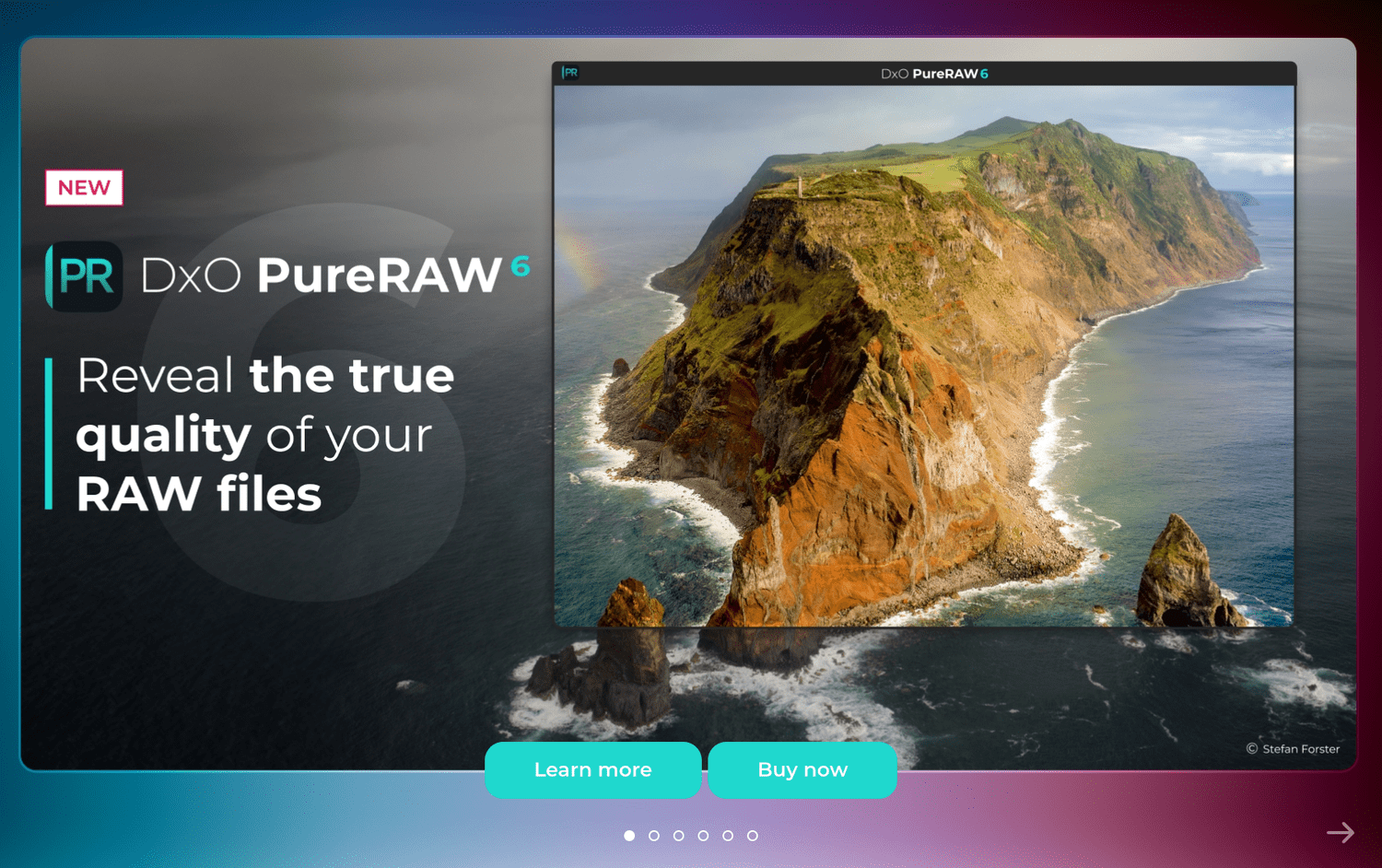
DxO PureRAW 6 — Clean RAW Files Before You Edit
PureRAW 6 is designed to improve your RAW files before editing — reducing noise, improving fine detail and applying DxO lens corrections so you start with a better file in Lightroom, Photoshop, Capture One or PhotoLab.
Save 15% OFF with my discount code:
SIMONSONGHURST
Enter the code at checkout.
PureRAW 6 in one sentence
PureRAW 6 is a “pre-edit” tool that creates a cleaner starting file by applying DxO’s AI noise reduction and lens corrections to your RAW photos — then you edit as normal in your preferred software.
DeepPRIME AI denoising
Designed to reduce noise while keeping natural texture and fine detail.
DxO lens corrections
Automatic optical corrections using DxO Modules for supported camera/lens combos.
Fits your workflow
Process first, then edit normally in Lightroom, Photoshop, Capture One or PhotoLab.
Lightroom integration
Send files to PureRAW and continue editing with an improved result.
Photoshop compatible
Create a better base file before deeper retouching and compositing.
Batch processing
Ideal for big shoots: travel, street, wildlife, events and high ISO work.
PureRAW 6 Guides
DxO PureRAW 6 vs Lightroom AI Denoise
Highest-intent comparison
Highest-intent comparison
→
DxO PureRAW 6 vs Topaz Photo AI
Side-by-side decision guide
Side-by-side decision guide
→
Best DxO PureRAW 6 Settings
Recommended settings + workflow
Recommended settings + workflow
→
DxO PureRAW 6 Workflow for Lightroom
Step-by-step workflow
Step-by-step workflow
→
How to Fix Noisy RAW Photos
Problem → solution funnel
Problem → solution funnel
→
What is DeepPRIME AI?
Simple explanation + examples
Simple explanation + examples
→
Is DxO PureRAW 6 Worth It?
Buy/no-buy checklist
Buy/no-buy checklist
→
Supported Cameras & Lenses
Compatibility + how to check
Compatibility + how to check
→
High ISO Noise Reduction Guide
Real-world shooting advice
Real-world shooting advice
→
Best Noise Reduction Software
PureRAW vs alternatives
PureRAW vs alternatives
→
Quick FAQs
Do I still edit in Lightroom/Photoshop after PureRAW?
Yes. PureRAW is designed to be the first step. You process RAW files, then edit the resulting files in your normal editor.
Is there a free trial?
Yes — use the buttons on this page to go to the DxO PureRAW 6 website.
How do I get the 15% discount?
Click through and enter SIMONSONGHURST at checkout to apply the discount.
Search Tags
Use these to help Google understand the topics covered on this hub.
Disclosure: Some links on this page are affiliate links. If you purchase through these links, I may earn a commission at no extra cost to you.

