Elevate.io • Mobile Workflow
Phone-to-Editor Workflow: Shoot Mobile, Upload Once, Edit Anywhere
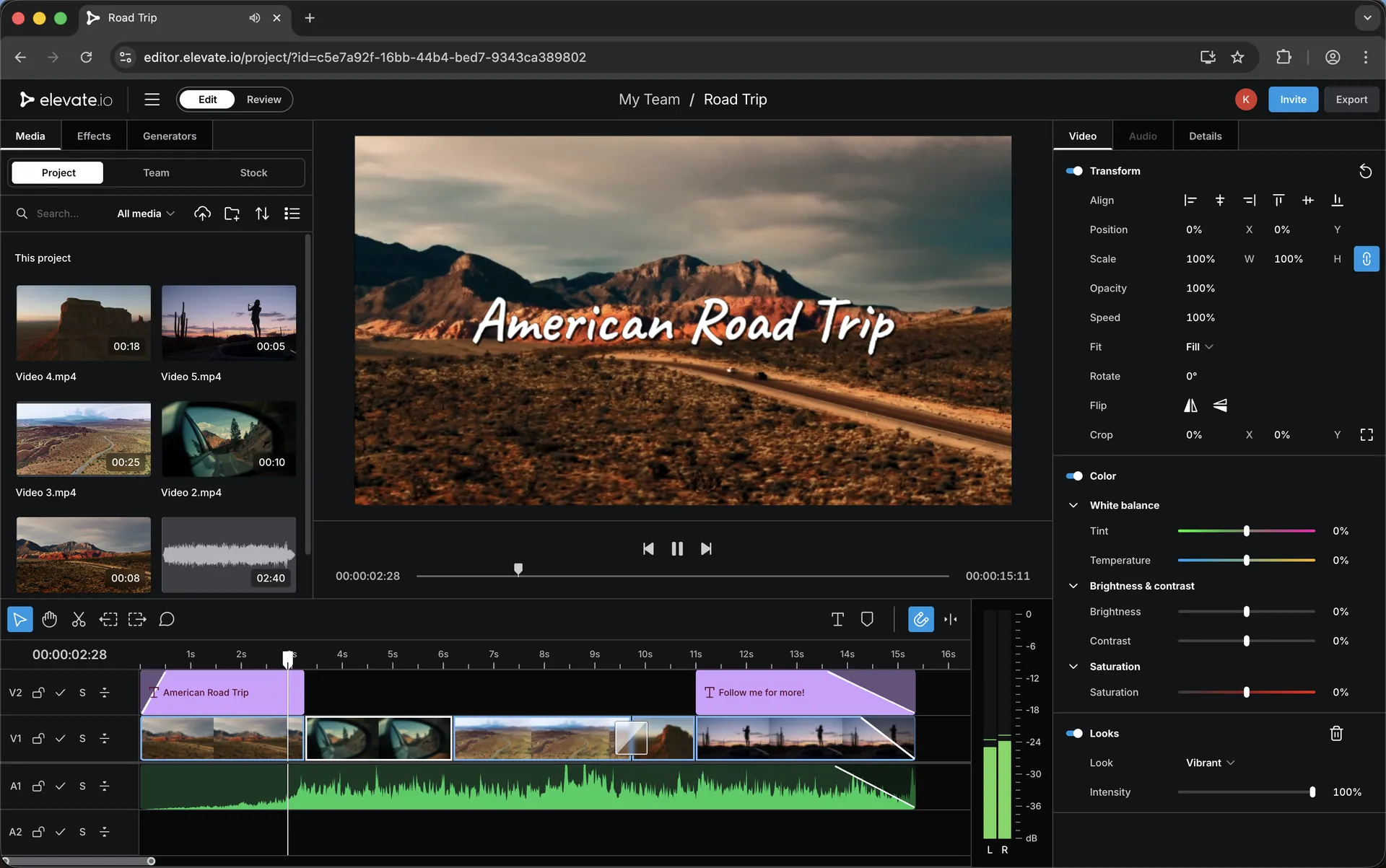
This is the workflow a lot of creators are moving toward: shoot on your phone, upload once, and your project is ready to view or edit from anywhere you have internet access. It’s especially useful if you work with a remote editor — your footage can be ready for them immediately, without waiting for a big desktop handover.
Use code 3M25OFF for 25% off at checkout.
Why this workflow works
Mobile capture is already fast. The friction usually appears later: moving files, organising versions, sending exports for feedback, and keeping track of approvals. A browser-based collaborative editor can remove a lot of that overhead — because the project stays accessible wherever you are.
If you’re travelling, working between locations, or simply trying to publish more consistently, the “upload once” approach can be the difference between a smooth pipeline and constant admin.
The goal isn’t to replace every desktop workflow. It’s to create a fast, repeatable system for the type of video most creators publish frequently: social, YouTube, vlogs, short-form, reviews, and client revisions.
The 3-step pipeline
This is the simplest version of the phone-to-editor workflow. You can build on it later, but this gets you moving quickly.
1
Shoot + organise on mobile
Capture your footage, keep takes tidy, and name clips/notes while it’s still fresh.
2
Upload once
Upload your footage to your editing workflow so the project is accessible from anywhere.
3
Edit / review anywhere
Jump in on a desktop, or let a remote editor start immediately. Review and revisions stay organised.
Two versions of the workflow
Solo creator (fast publishing)
You shoot on your phone, upload once, then you can edit from a desktop anywhere you have internet access. Perfect for travel days, busy weeks, and creators trying to stay consistent.
Creator + remote editor
You shoot on your phone, upload once, and your editor can start immediately. You review changes and give feedback without hunting through messages or juggling exported files.
What to focus on to make this smooth
The secret to a clean mobile workflow is not “more gear” — it’s consistency. If your clips are organised and your review process is predictable, you’ll save time on every single video.
Keep your filming simple, keep the upload step consistent, and treat feedback like a system (not an afterthought). That’s how you get a pipeline that actually scales.
Explore next
If you’re building a collaboration-friendly workflow, these pages pair well with mobile editing:
Workflow
Video Review & Approvals: A Cleaner Feedback Process
How to keep feedback structured so revisions don’t turn into chaos.
Remote
Working With a Remote Editor: A Simple Online Workflow
A practical system for remote editing, approvals and delivery.
Pricing
Elevate.io Pricing: Free vs Creator vs Pro
Choose a plan based on whether you’re editing solo or collaborating.
Discount
Elevate.io Discount
Discount code, overview and the full Elevate.io guide library.
Want to try it? Use code 3M25OFF for 25% off.
Keywords
Mobile video editing and phone-to-editor workflow topics covered on this page.
mobile video editing workflow
phone to editor workflow
upload once edit anywhere
remote editor workflow
collaborative video editing
browser video editor
cloud video editor
edit videos online
mobile content workflow
creator editing workflow
video approvals workflow
social video workflow
Elevate.io discount
Elevate.io coupon code
3M25OFF
Transparency: if you choose to try Elevate.io using my link, I may earn a commission — at no extra cost to you.

