Elevate.io • Remote Editing
Working With a Remote Editor: A Simple Online Workflow
Remote editing works brilliantly when the handover is clean and the feedback process is predictable. The problem isn’t usually the edit — it’s the admin: huge uploads, messy versions, notes in messages, unclear approvals, and a constant “what’s the latest cut?” situation. This is a workflow you can copy and reuse.
Use code 3M25OFF for 25% off at checkout.
The mindset
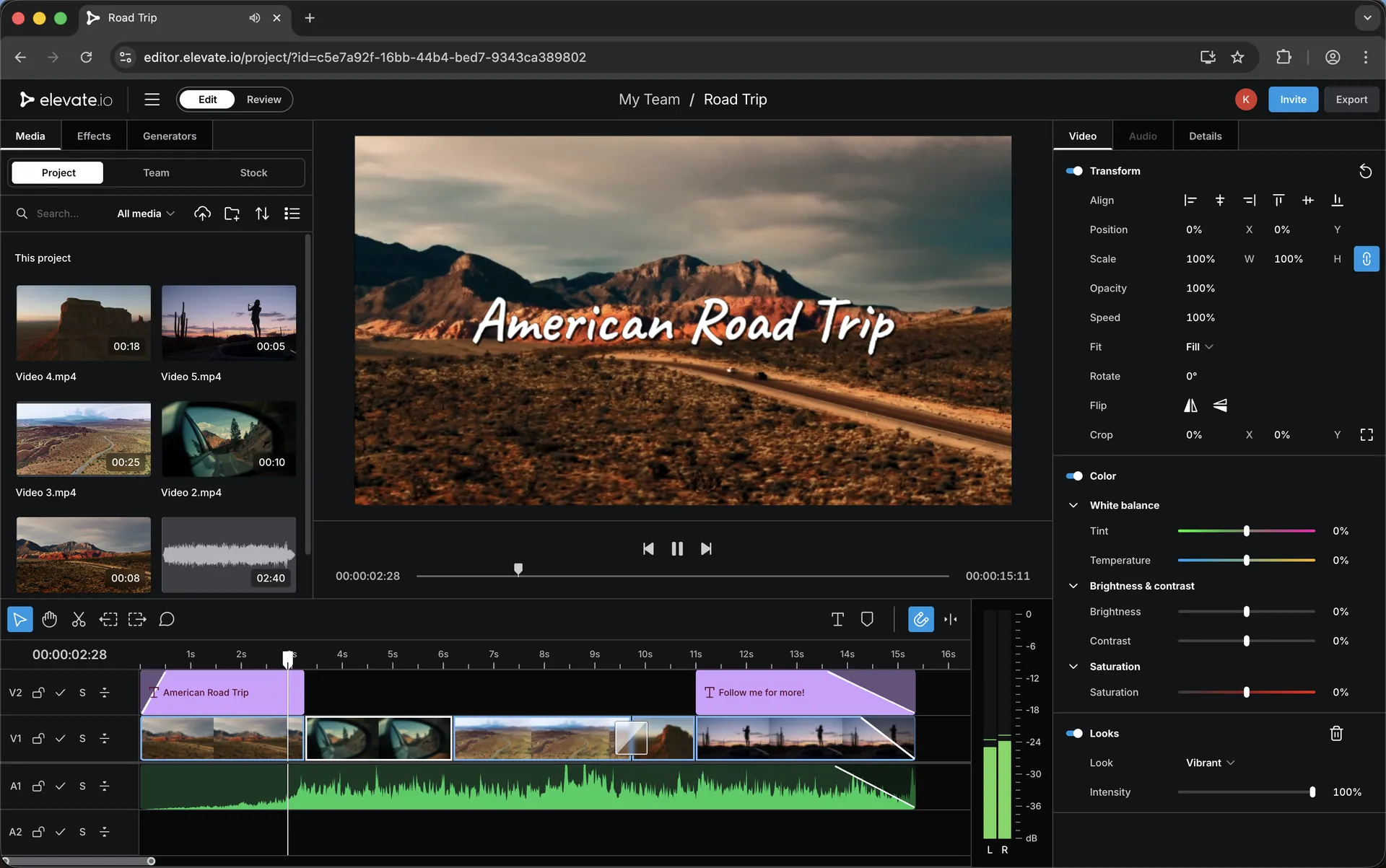
The fastest remote editing pipelines are boring on purpose: one place for files, one place for the timeline, one place for feedback, one place for approvals. When you remove the “where is that note?” problem, everything speeds up.
The goal isn’t perfection — it’s repeatability. If you can run the same handover and review structure every time, your editor will get faster and your revisions will shrink.
The 4-stage remote workflow
Use this structure for almost any project. It keeps responsibility clear and prevents version chaos.
1
Handover
Share footage in a consistent structure, add a short brief, and define what “done” looks like.
2
Rough cut
Big-picture decisions only: pacing, structure, story clarity. No micro notes yet.
3
Fine cut
Trim points, rhythm, graphics, sound, and the notes that actually improve the edit.
4
Final approval
One last confidence pass, then lock it. No new creative direction at this stage.
Clear roles (this prevents chaos)
Most remote editing issues are role issues. Decide who owns decisions and how feedback is collected.
You (creator / producer)
Provide the brief, choose references, define the pacing, and decide what the final output needs to achieve. Keep feedback structured and stage-appropriate.
Your editor
Build the cut, keep versions clean, and respond to feedback in an organised way. The editor’s speed comes from predictable notes — not from guessing what you meant.
A simple handover checklist
If you want your editor to move fast, handover has to be frictionless. Here’s a clean baseline.
Send this with every project
- A one-paragraph brief: what the video is and what it needs to achieve
- Target platform + length (YouTube / Shorts / TikTok / client deliverable)
- Any references (1–2 examples max) for pacing/style
- Music/branding notes (if relevant)
- Must-use clips + any “avoid this” notes
- Delivery stages: rough cut → fine cut → polish → final approval
If you film on your phone
The cleanest modern pipeline is often: shoot on phone, upload once, and your editor can start immediately. If you’re travelling or shooting regularly, that approach removes most of the usual bottlenecks.
That workflow is covered here: Phone-to-Editor Workflow.
Explore next
These pages connect naturally with remote editing:
Review
Video Review & Approvals: A Cleaner Feedback Process
A structured approach to notes, revisions and sign-off.
Mobile
Phone-to-Editor Workflow: Shoot Mobile, Upload Once, Edit Anywhere
A fast pipeline that makes remote editing easier.
Pricing
Elevate.io Pricing: Free vs Creator vs Pro
Choose a plan based on your workflow and collaboration needs.
Discount
Elevate.io Discount
Discount code, overview and the Elevate.io guide library.
Want to try Elevate.io? Use code 3M25OFF for 25% off.
Keywords
Remote video editing workflow topics covered on this page.
remote editor workflow
remote video editing
online video editing workflow
collaborative video editing
video feedback workflow
video approvals workflow
revision workflow
creator editor collaboration
agency editing workflow
cloud video editor
browser video editor
phone to editor workflow
Elevate.io discount
Elevate.io coupon code
3M25OFF
Transparency: if you choose to try Elevate.io using my link, I may earn a commission — at no extra cost to you.

